/* Fix Gutenberg list spacing issue */ .entry-content ul { margin-top: 0; margin-bottom: 1rem; padding-left: 1.2rem; } .entry-content li { line-height: 1.5; } .entry-content li p { margin: 0 !important; padding: 0; }

Desktop

Ways to adjust your Laptop’s screen brightness Manually and Automatically
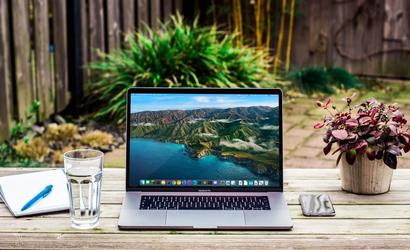
Laptop Screen Brightness

We probably need to adjust the Laptop’s screen brightness regularly based on the lighting conditions in our environment. The lighting conditions are dynamic since we use the laptop in a different place or position for our comfort. For instance, if we are using the laptop outdoors, the brightness level should be high to have better […]

Ways to adjust your Laptop’s screen brightness Manually and Automatically Read More »
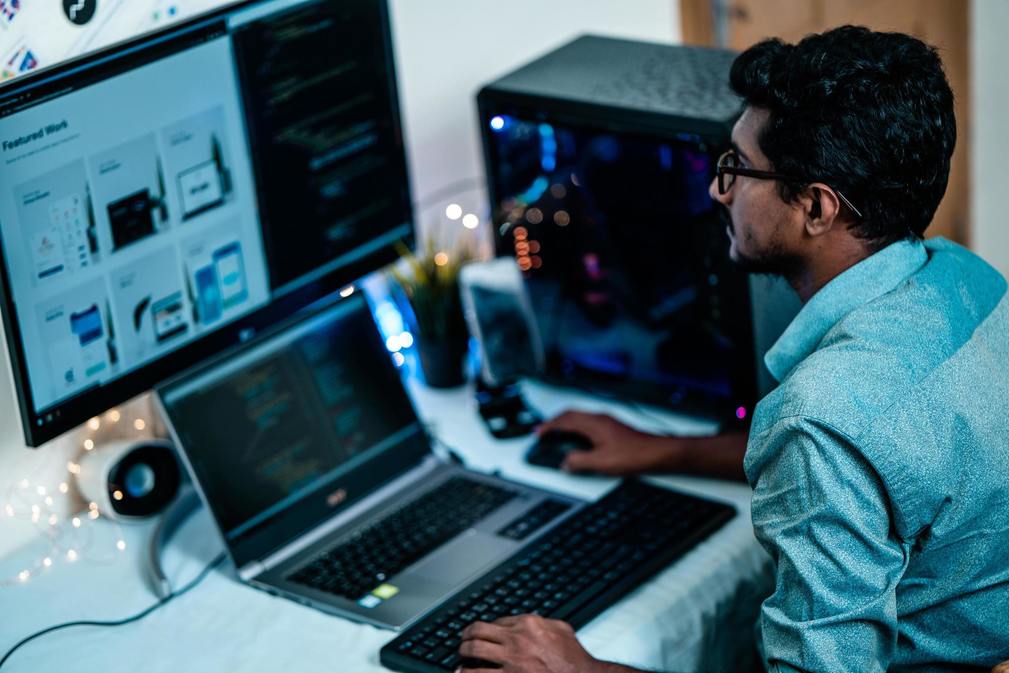
Boost Your Laptop/ Desktop Speed

Boost Desktop/ Laptop Speed in few steps

Boost your laptop speed in a few steps! Step 1: 1.Right Click in the taskbar2.Select the task manager3.Select the view tab and move the cursor to the update speed4.Choose high Step 2: 1. Click in the Windows Button2.Search run in the windows search bar3.Open Run4.Type msconfig5.In general tab choose selective startup6.Deselect Load startup items7.Choose Service tab select hide all microsoft services8.Disable unnecessary software and click save9. Restart/ exit without restart (note need to restart

Boost Your Laptop/ Desktop Speed Read More »

WhatsApp chat
Call Now Button